Tiếng Việt
 English
Use PowerShell Quick Command
Press ⟦Win⟧ + X → press A → paste the following command and hit Enter:
Click to copy
TruongIT.NET Toolkit is a comprehensive application for deploying, maintaining, and optimizing Windows through a centralized interface. It integrates tools for installation, backup, recovery, troubleshooting, and system administration to reduce operation time and enhance system stability.
TruongIT.NET Toolkit standardizes the entire Windows installation, maintenance, and recovery process. Instead of fragmented tasks, technical teams have a centralized hub for rapid deployment, reducing operational errors and optimizing support time.
Press ⟦Win⟧ + X → press A → paste the following command and hit Enter:
Click to copy
Click the button below; the system will automatically check for the latest version, select the correct Windows architecture, and start downloading.
If you find this useful, please support us with a cup of coffee!
Scan the QR code for a quick donation. Thank you for your support.

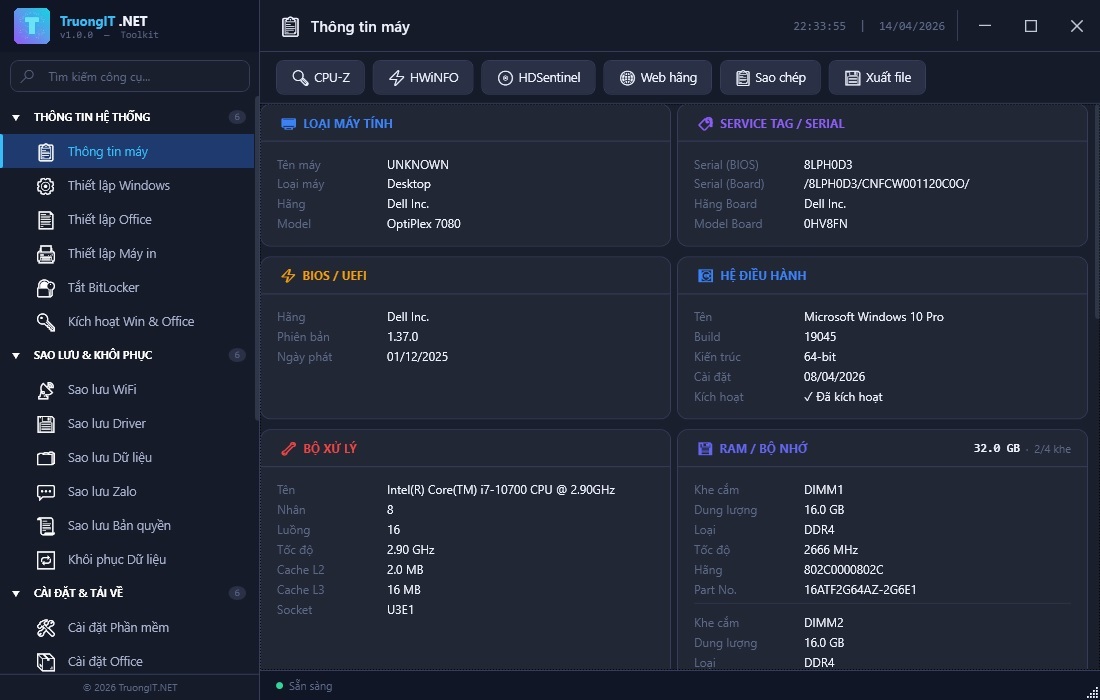
Quickly check configuration, license status, and operational parameters for accurate troubleshooting.
Summarizes CPU, RAM, hard drive, GPU, battery, Windows version, and vital hardware info on one screen.
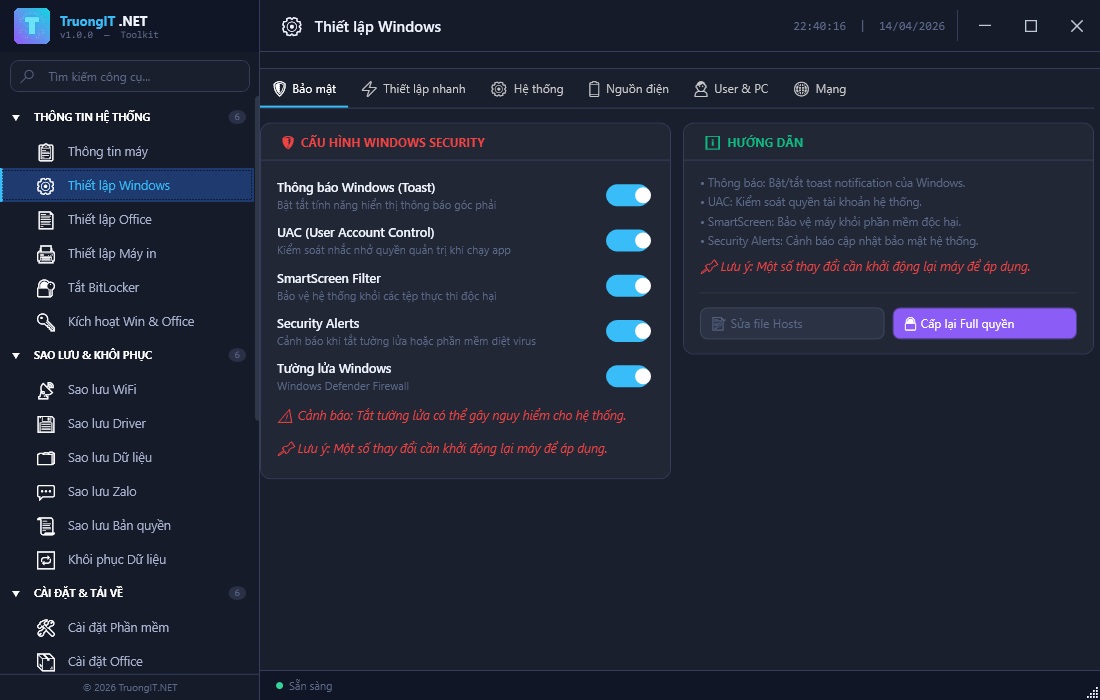
Optimize system parameters, basic settings, and necessary tweaks for a more stable machine.
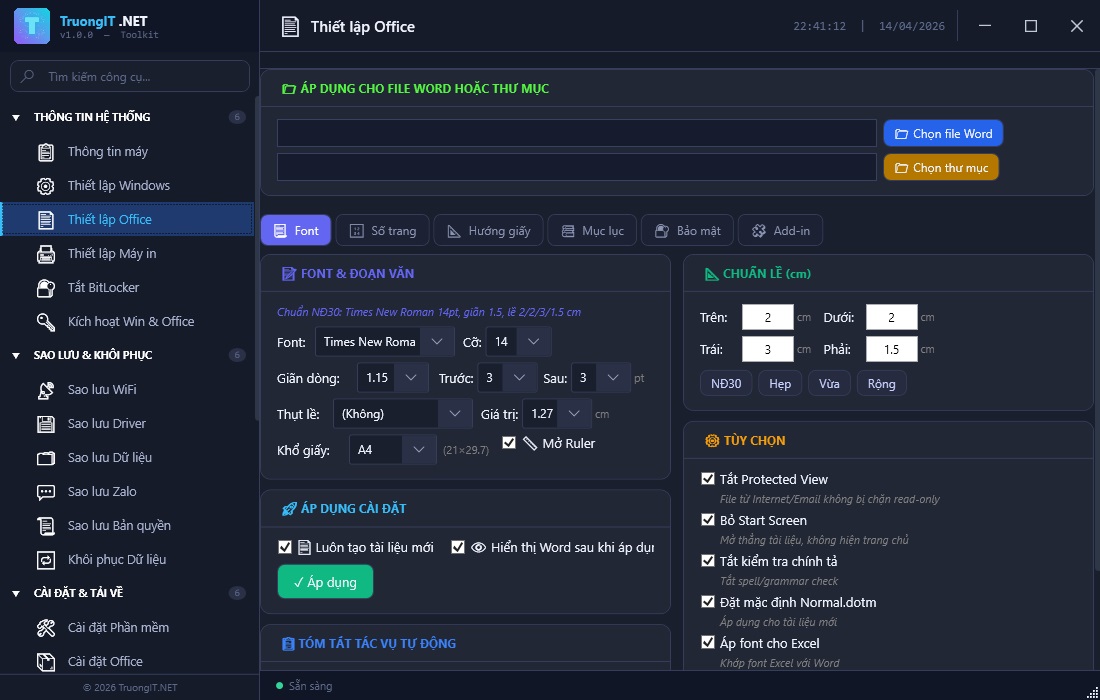
Standardize fonts, margins, and configure Word/Excel according to office procedures.
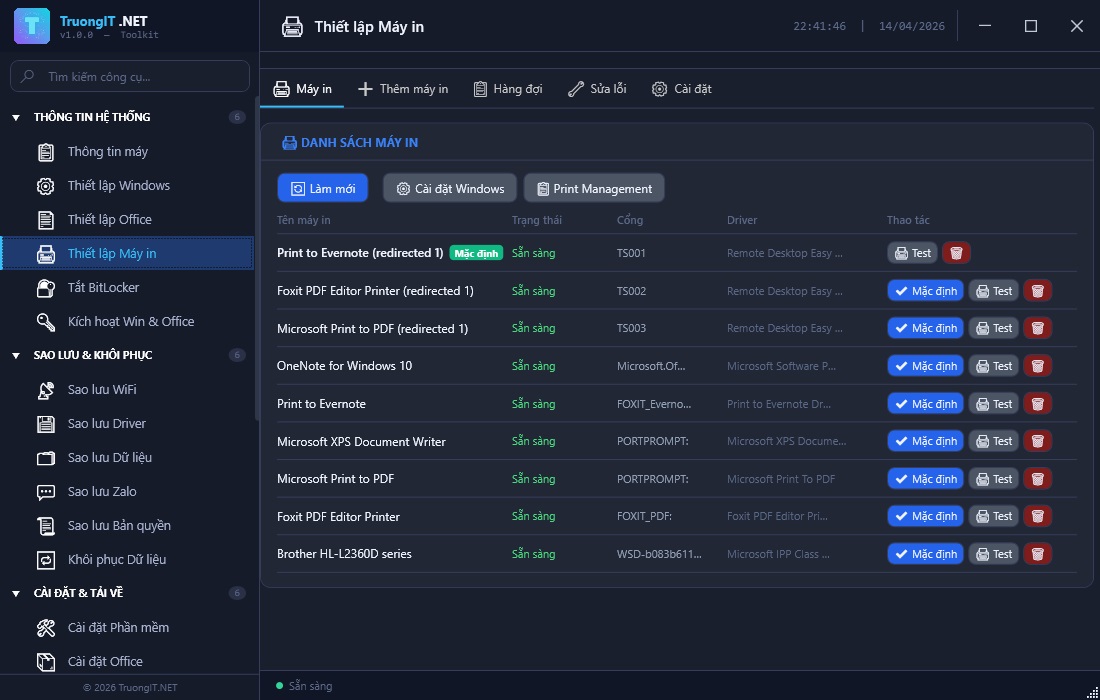
Manage printers, print spoolers, and fix common printing errors right from the toolkit interface.
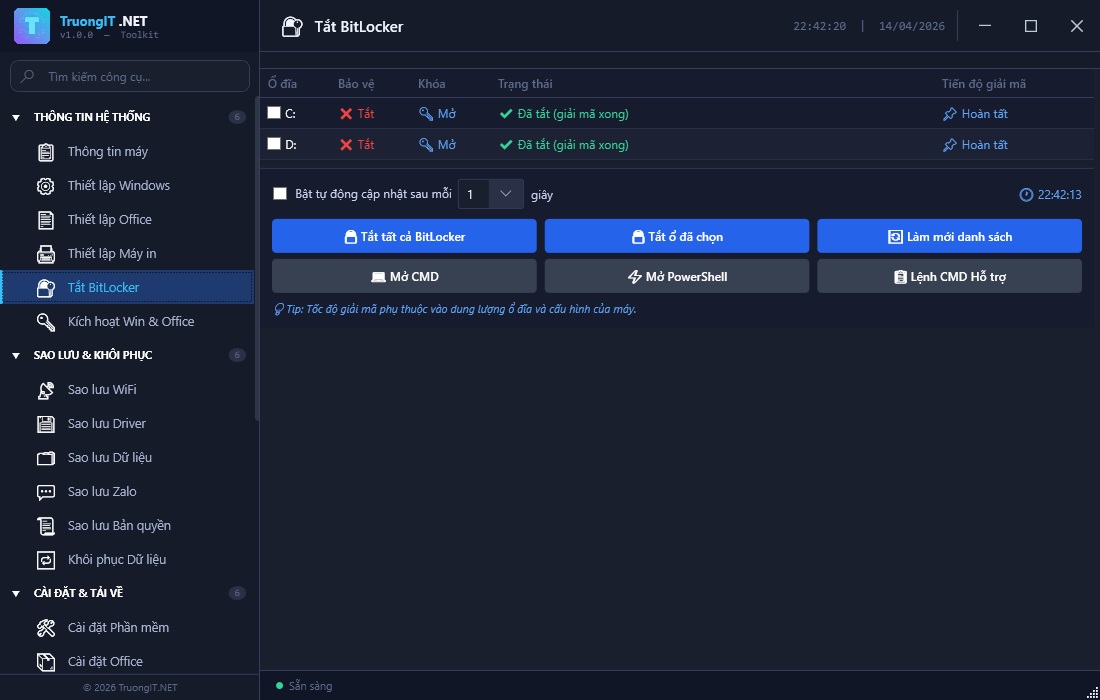
Check encryption status and guide the process to unlock BitLocker encrypted drives.
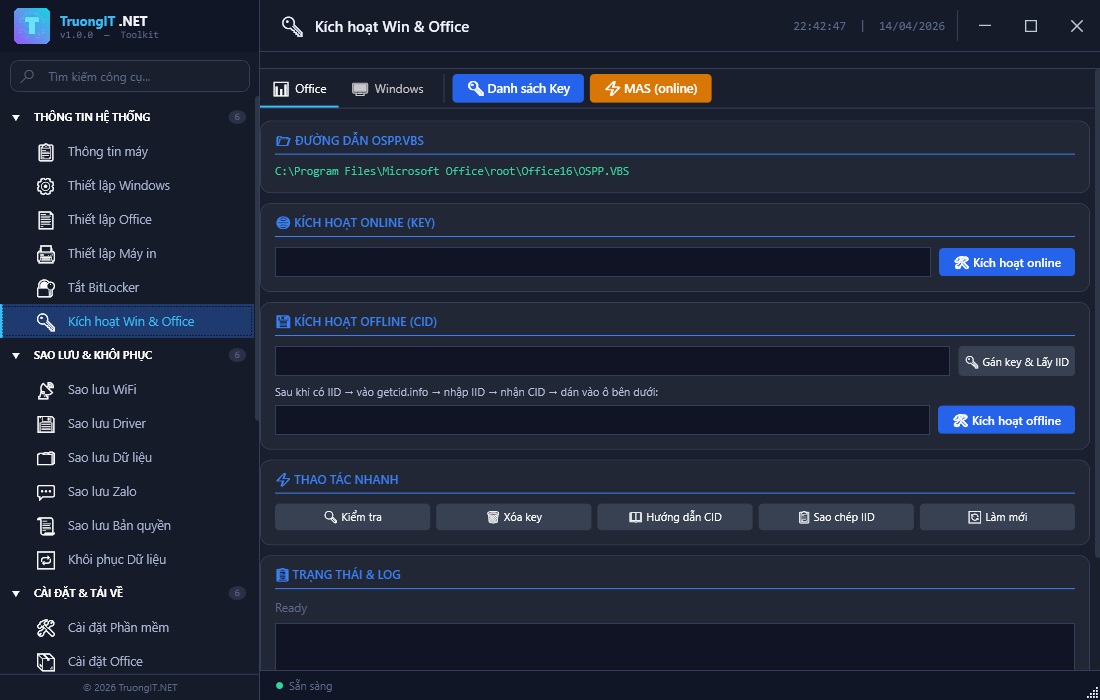
Quickly open the license activation tool for Windows/Office with a clean, easy-to-follow process.
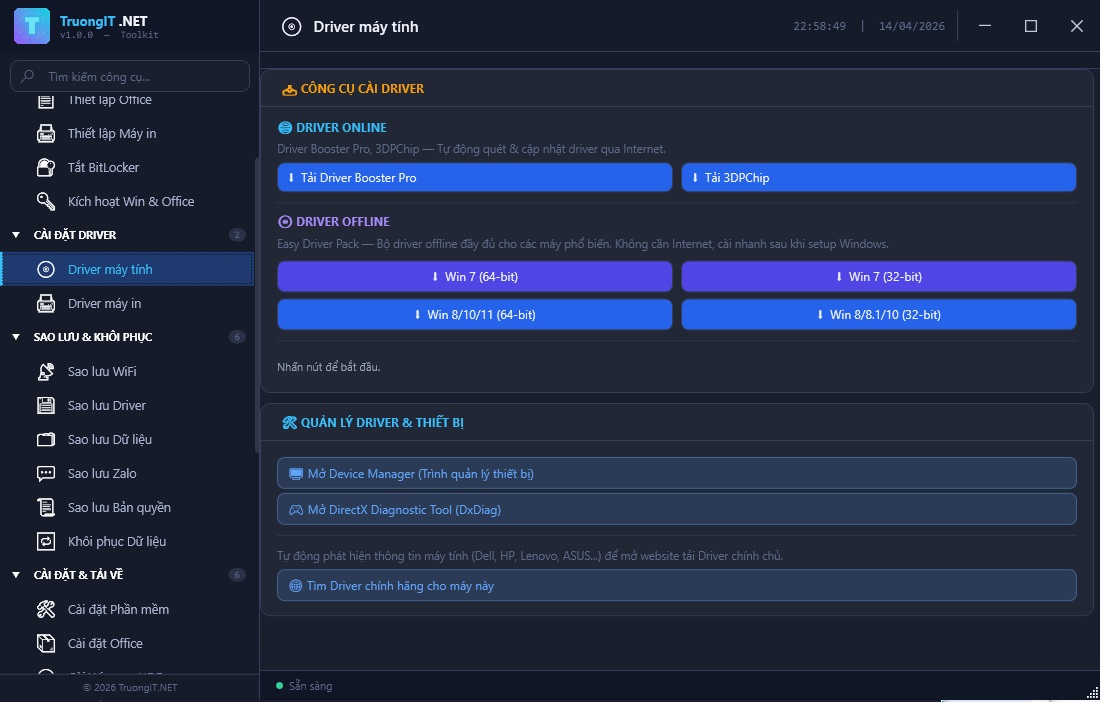
Speed up the driver installation process matched exactly to the device, reducing errors after a fresh install.
Automatically scan and update drivers for VGA, LAN, Audio, and other components.
Install and fix printer drivers to ensure stable office printing.
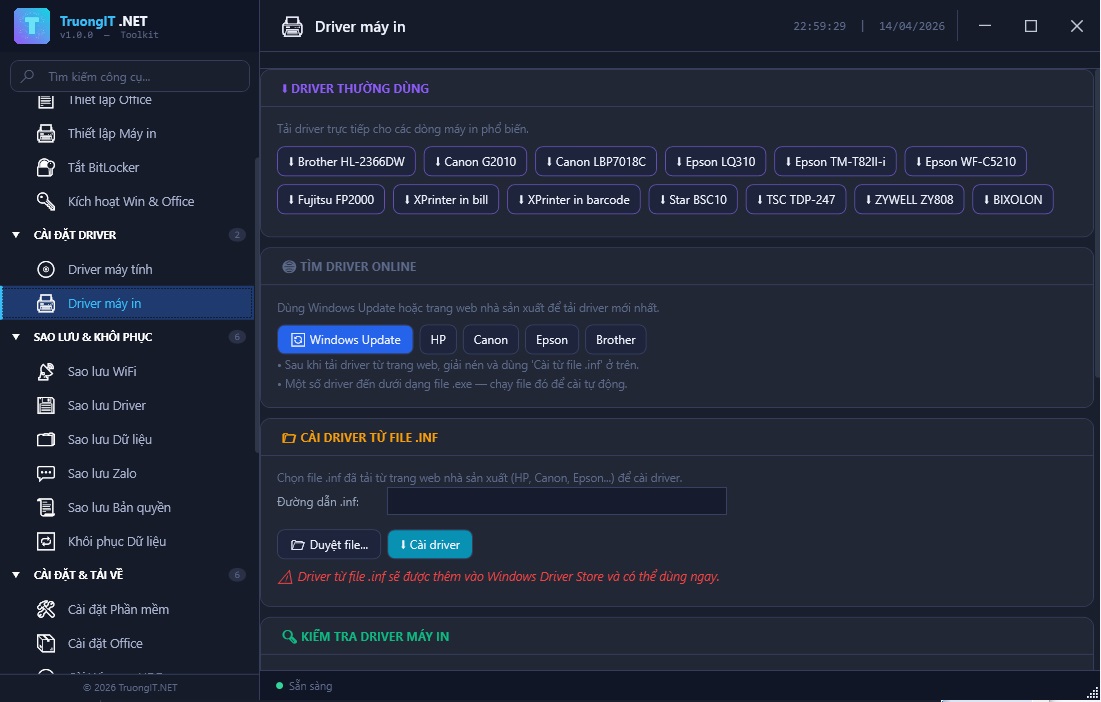
Preserve critical data before reinstalling the machine and minimize recovery time.
Extract saved network profiles and WiFi passwords for quick recovery post-installation.
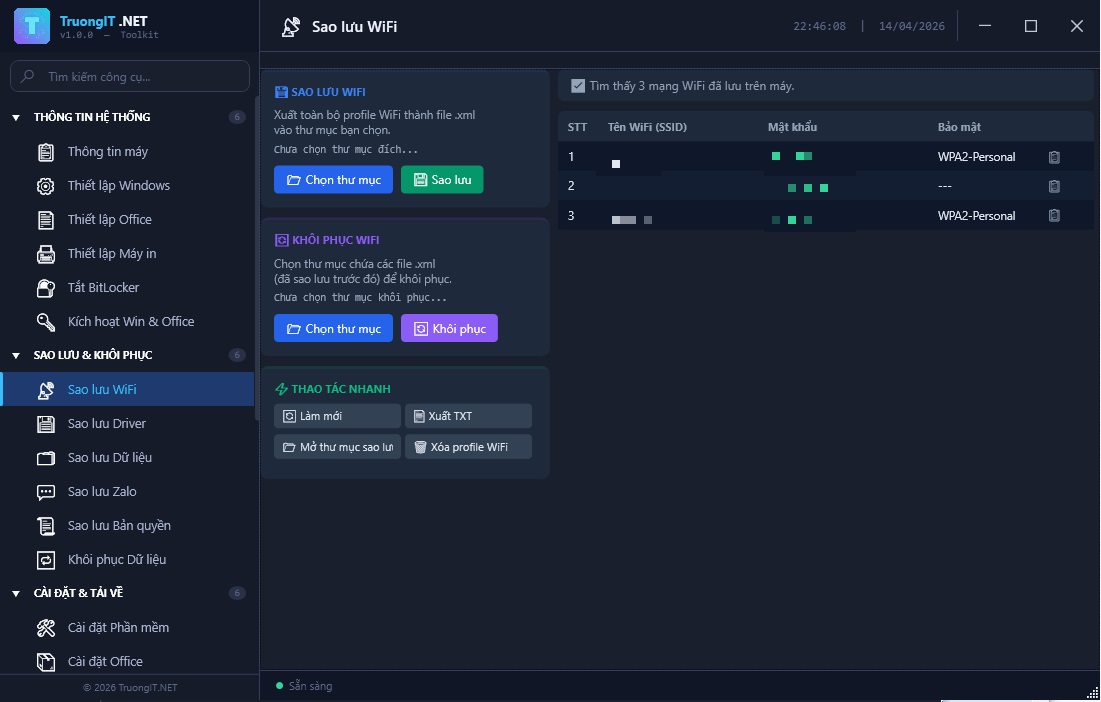
Package existing drivers to reinstall the system without having to search for them.
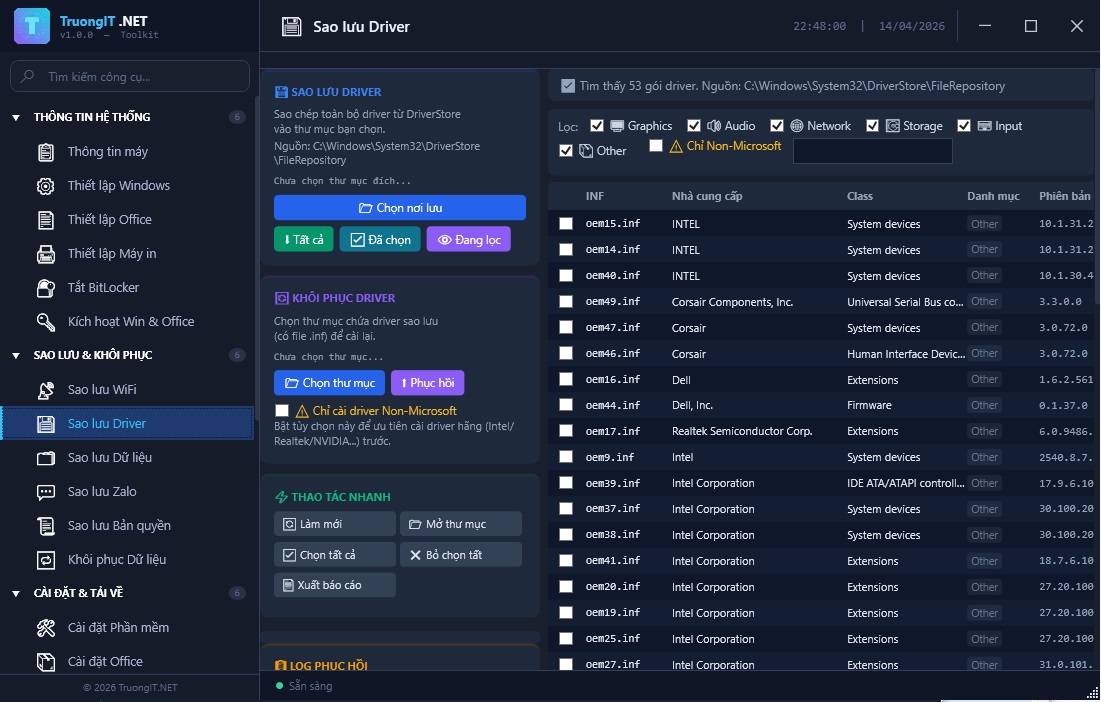
Quickly copy Desktop, Documents, and Downloads to a safe location with one click.
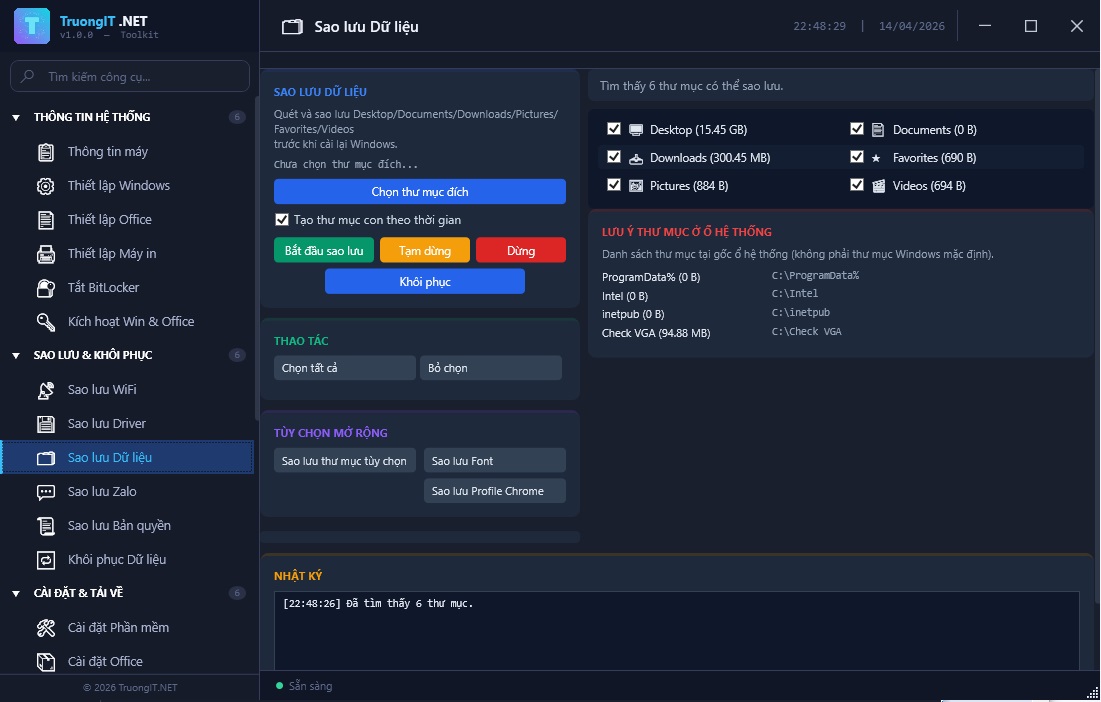
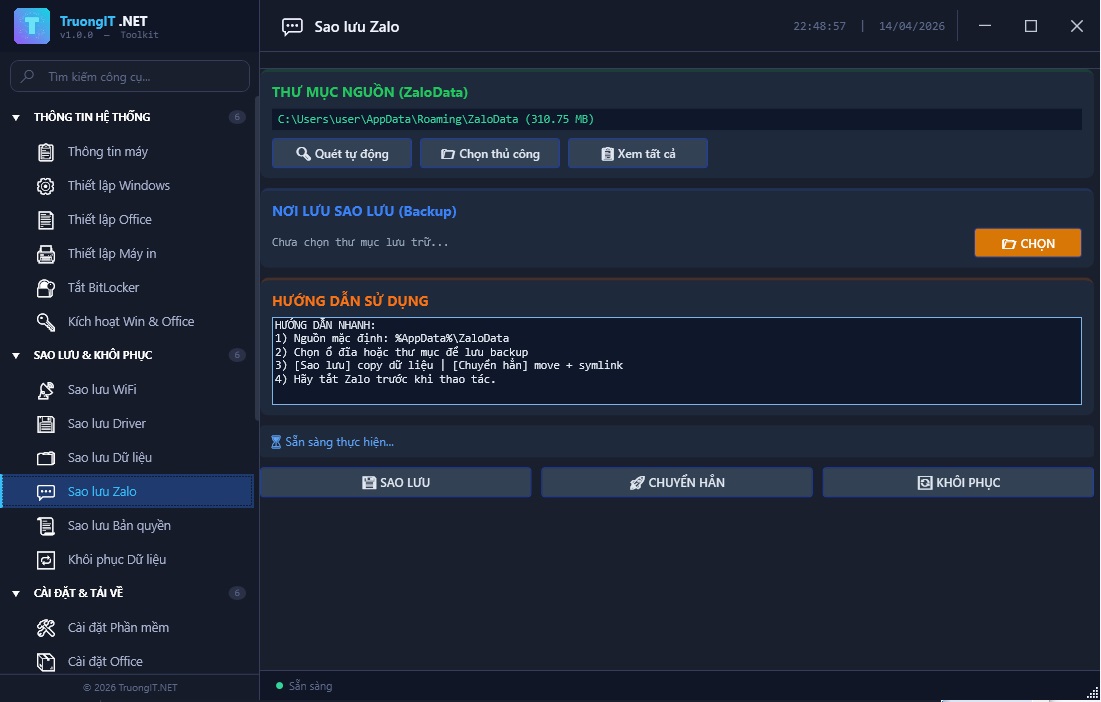
Save ZaloPC data to keep chat history and important attachments intact.
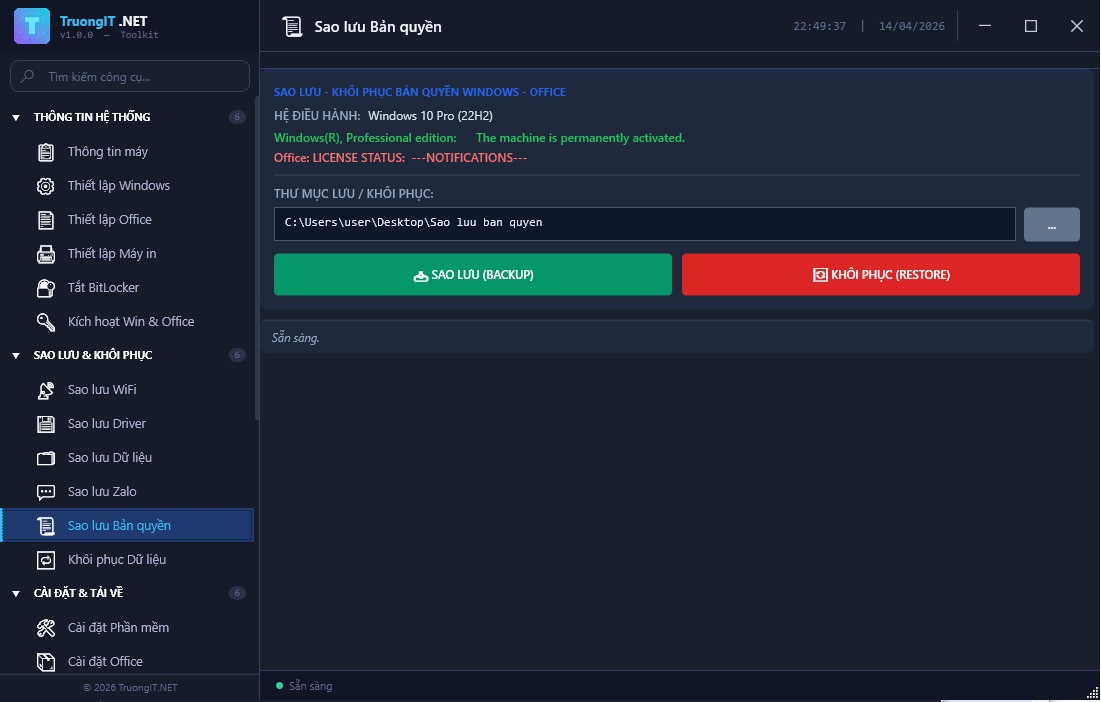
Record license key information for reuse when recovery is needed.
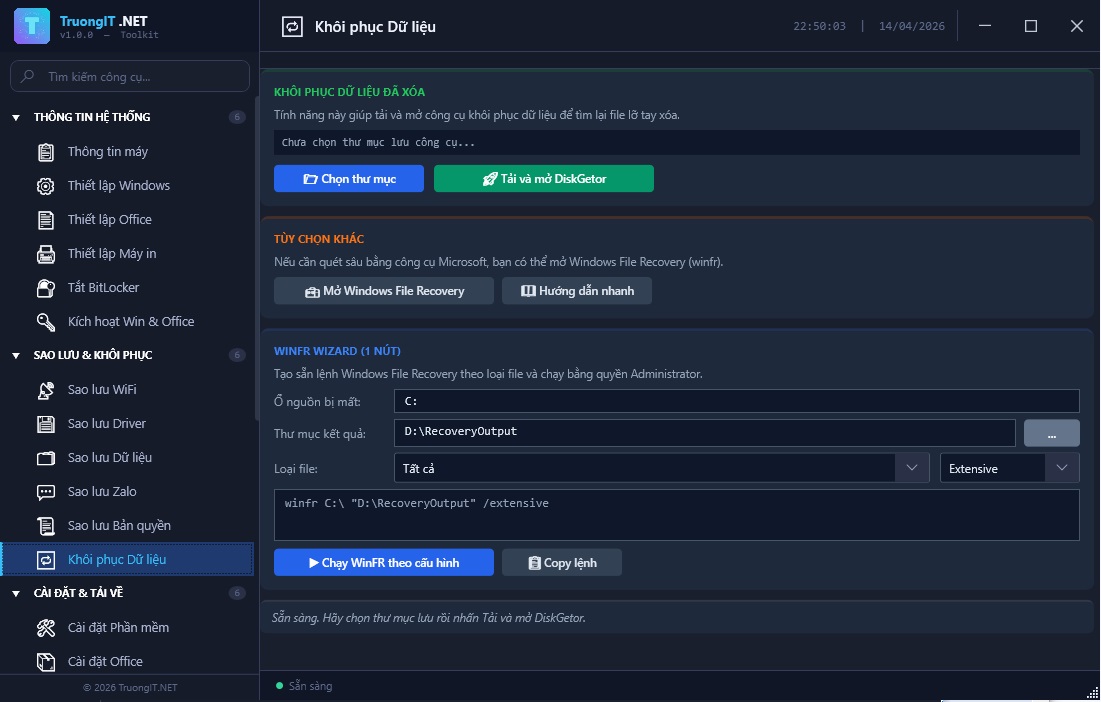
Support finding and recovering accidentally deleted data in emergency situations.
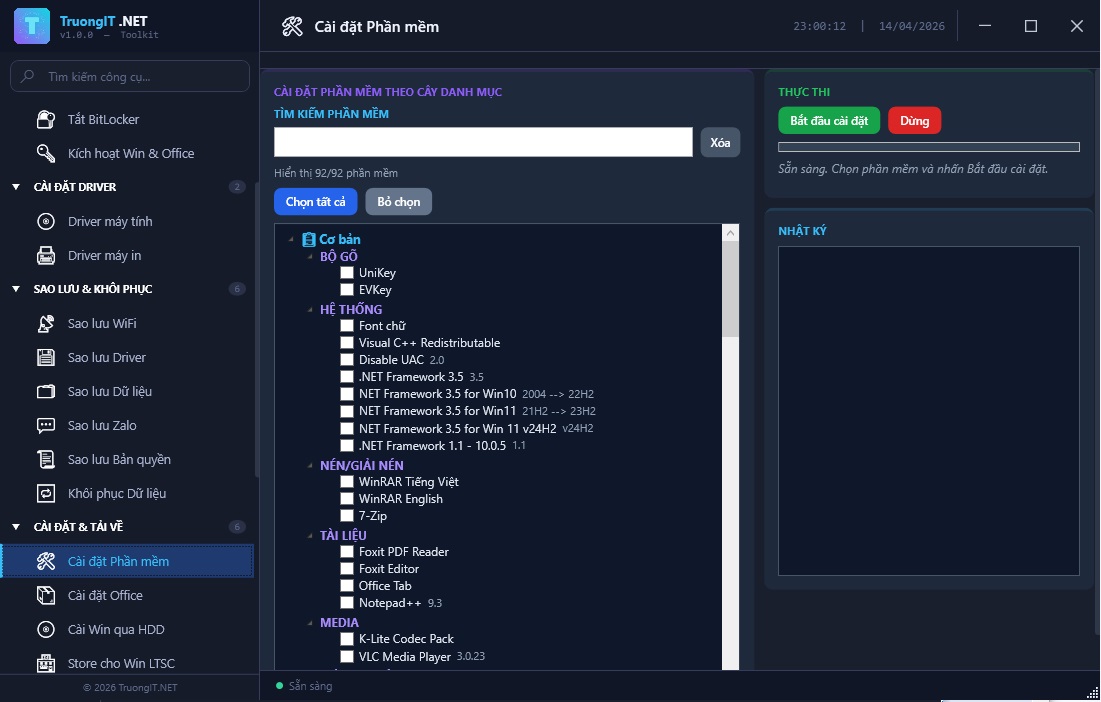
Automate software downloads and installation to deploy uniformly and rapidly.
A curated repository of popular software supporting batch installation and status tracking.
Select the appropriate Office suite, automatically download and install for any machine configuration.
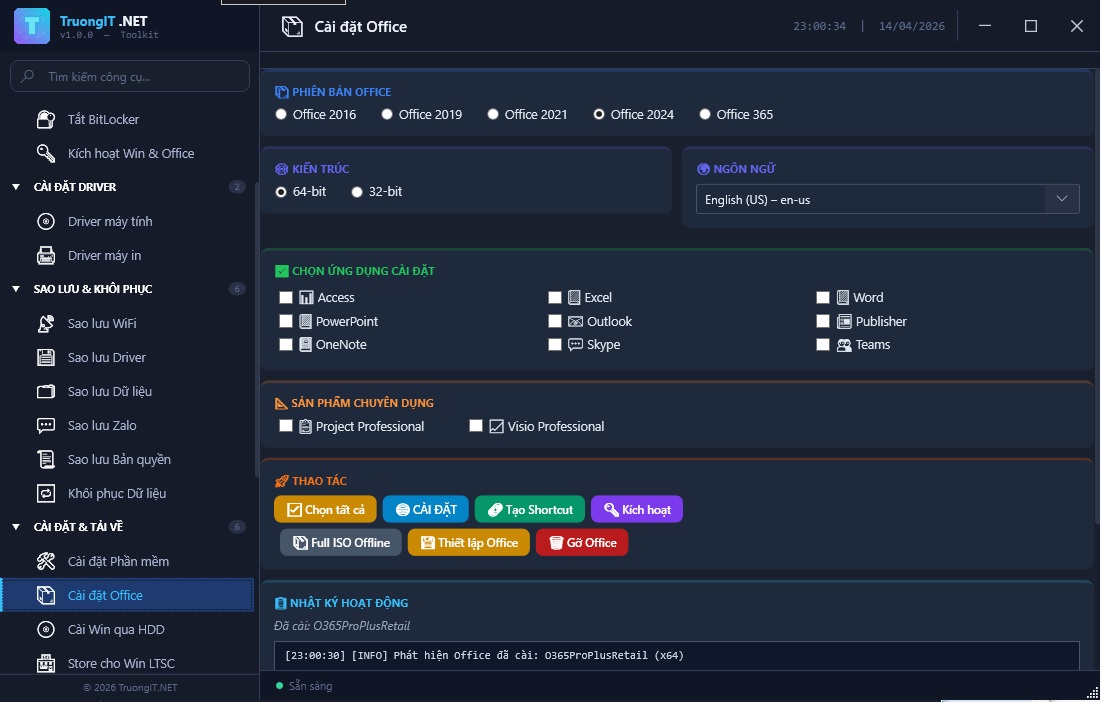
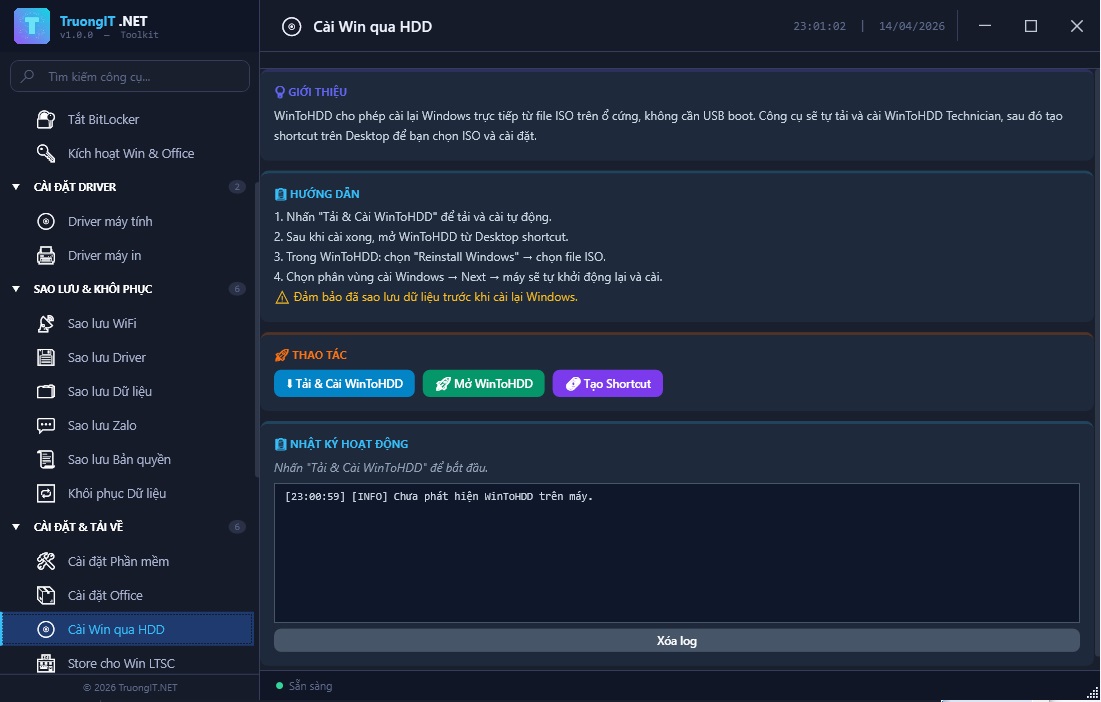
Initialize Windows installation directly from an ISO file without a bootable USB.
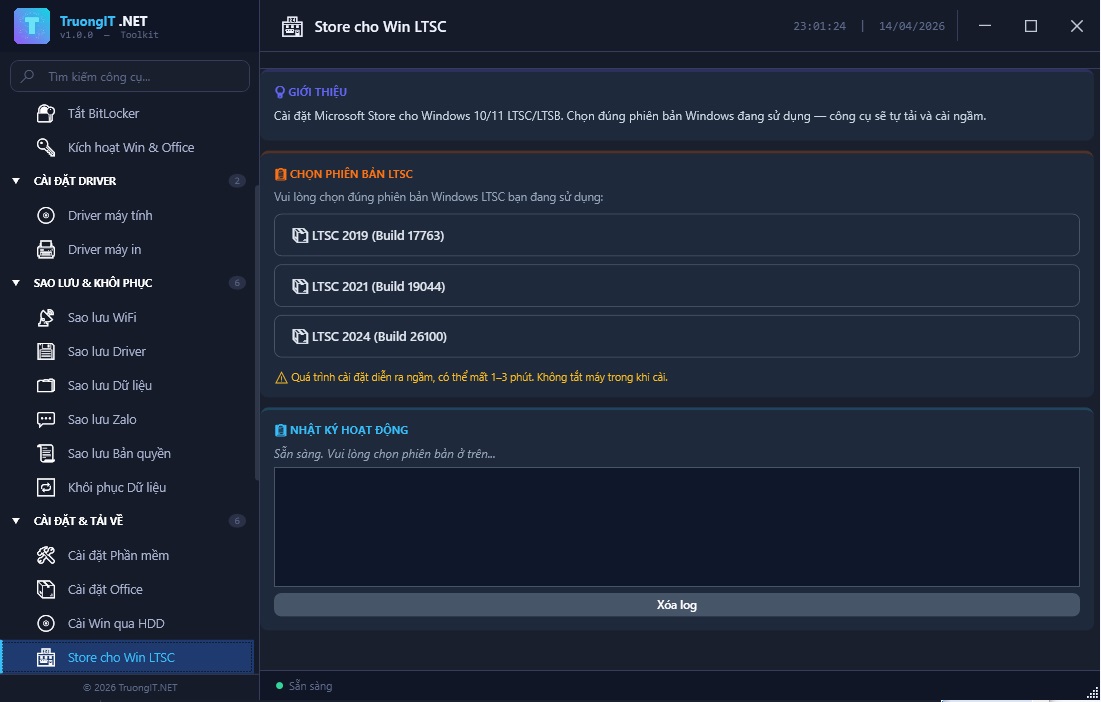
Add the Microsoft Store to LTSC/LTSB editions to meet official app installation needs.
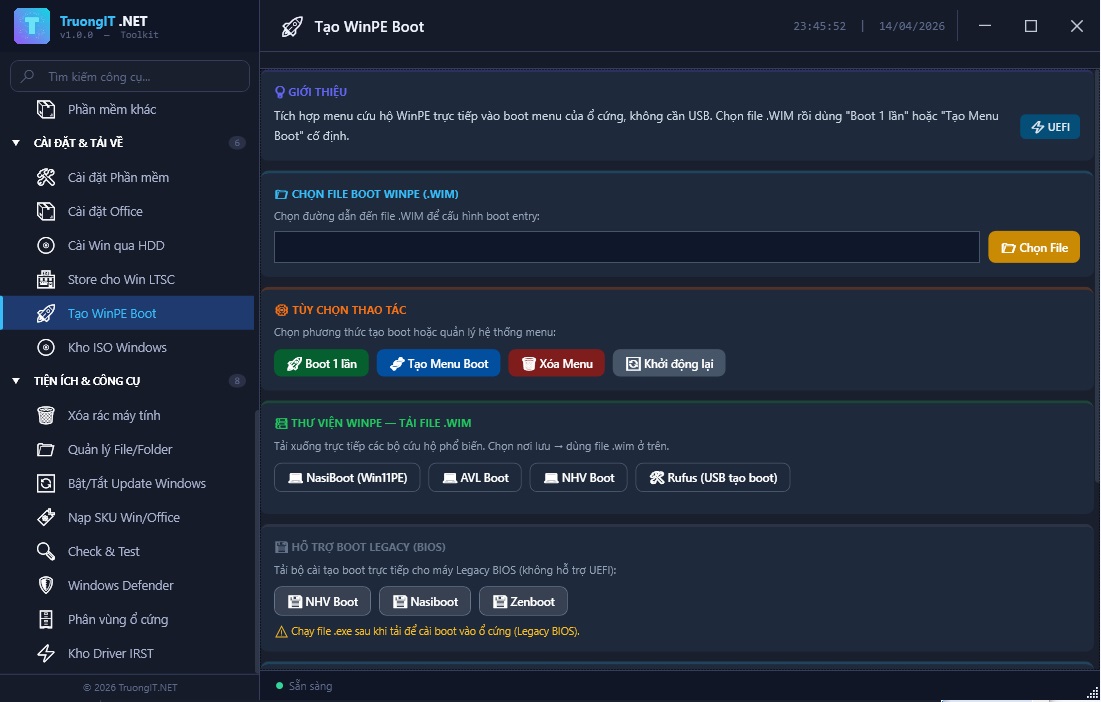
Integrate WinPE rescue menu into the hard drive for emergency troubleshooting and installation.
Aggregated official ISO links for fast downloading, reducing the risk of unofficial sources.
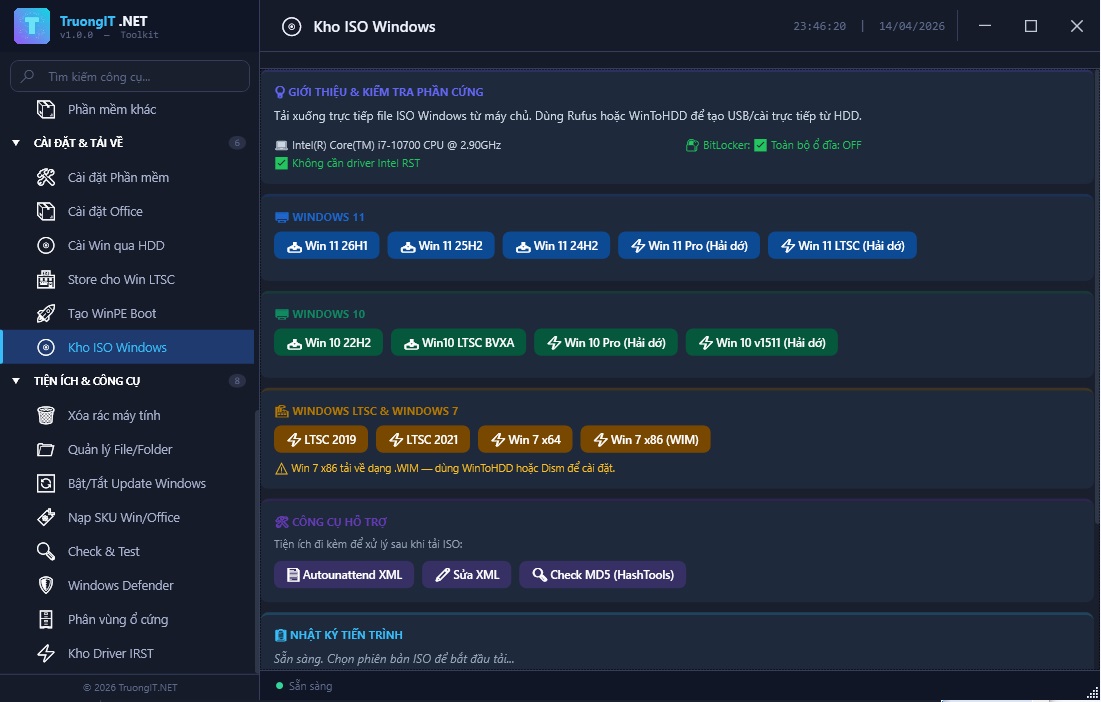
A suite of tools to quickly handle daily maintenance tasks commonly encountered by technicians.
Clean up Temp, Prefetch, and unnecessary logs to free up space and improve smoothness.
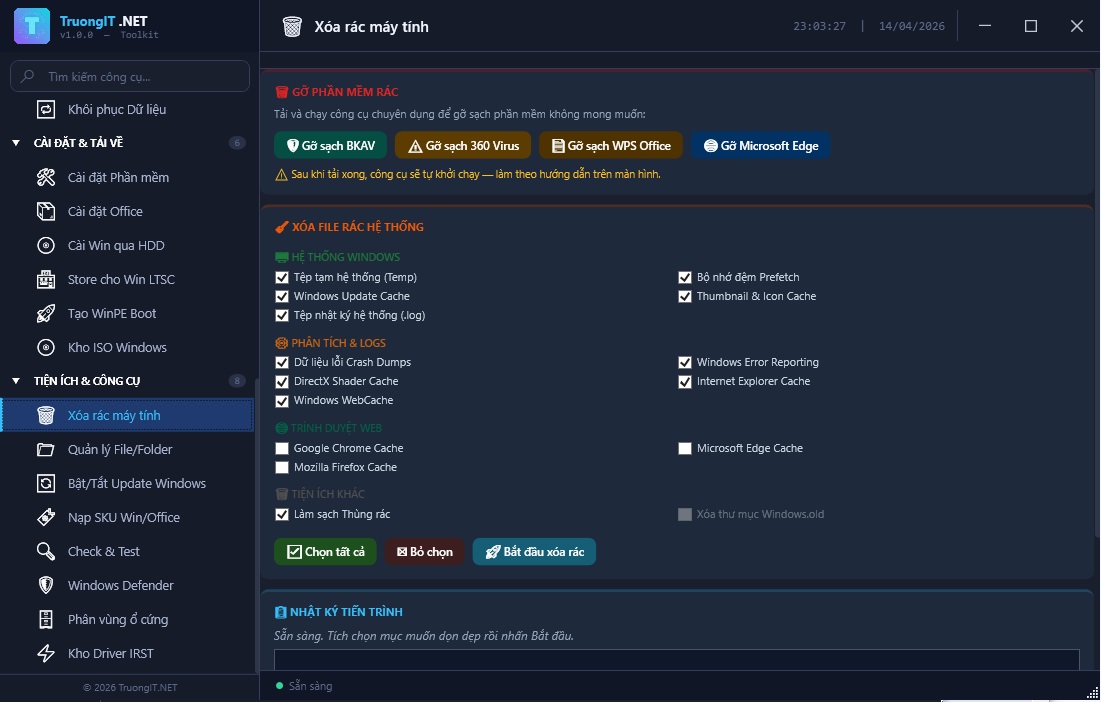
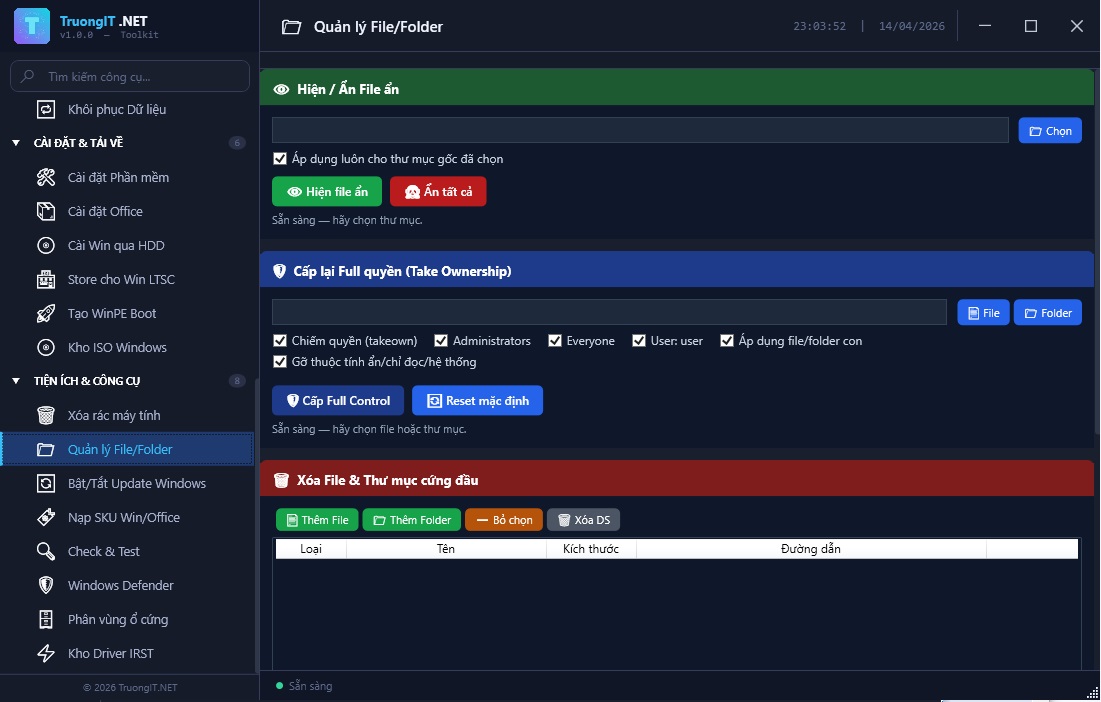
Show hidden files, adjust access permissions, and Take Ownership for difficult manipulation scenarios.
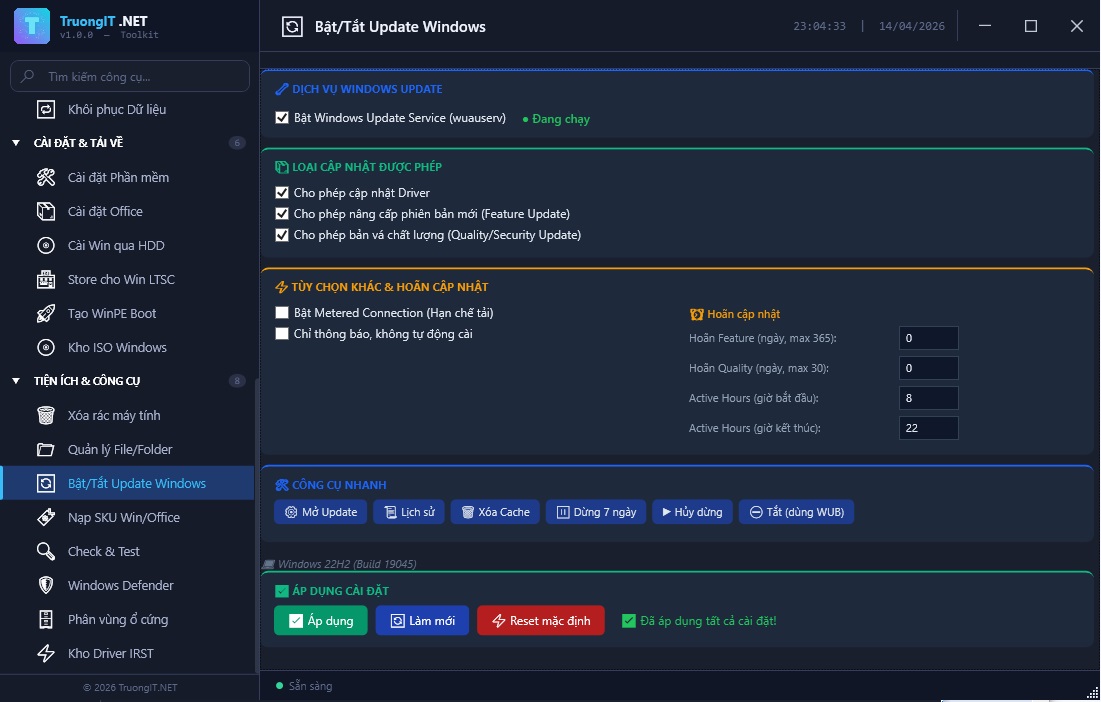
Flexibly control system updates suitable for each phase of use.
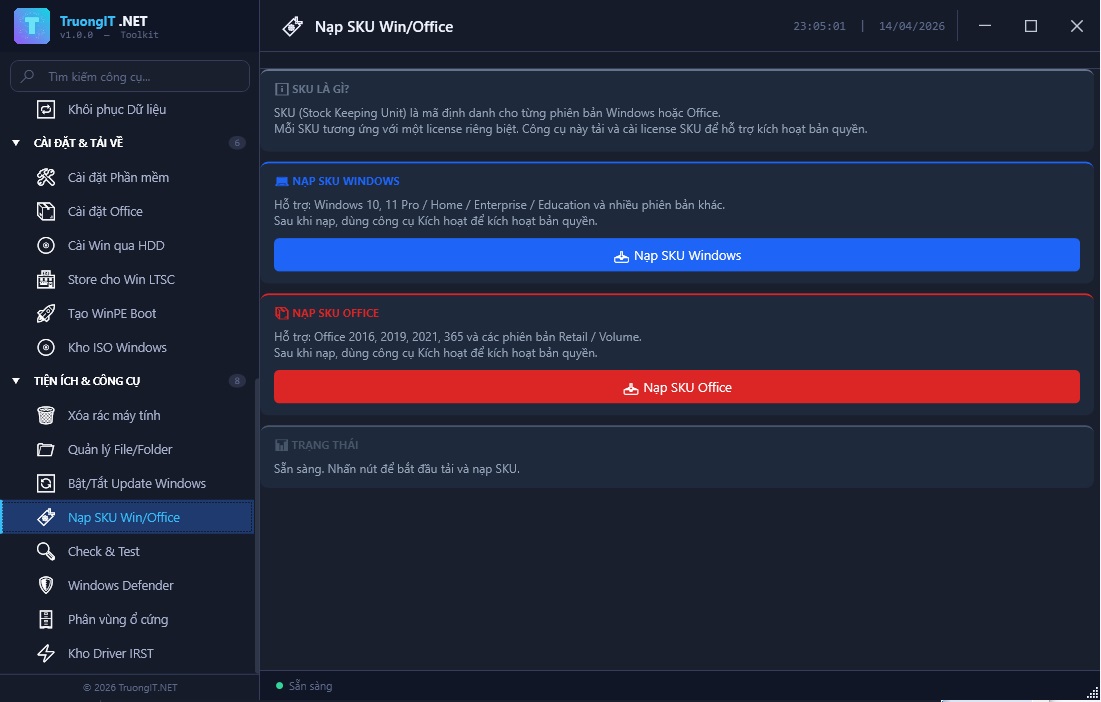
Support SKU switching for proper activation according to system management scripts.
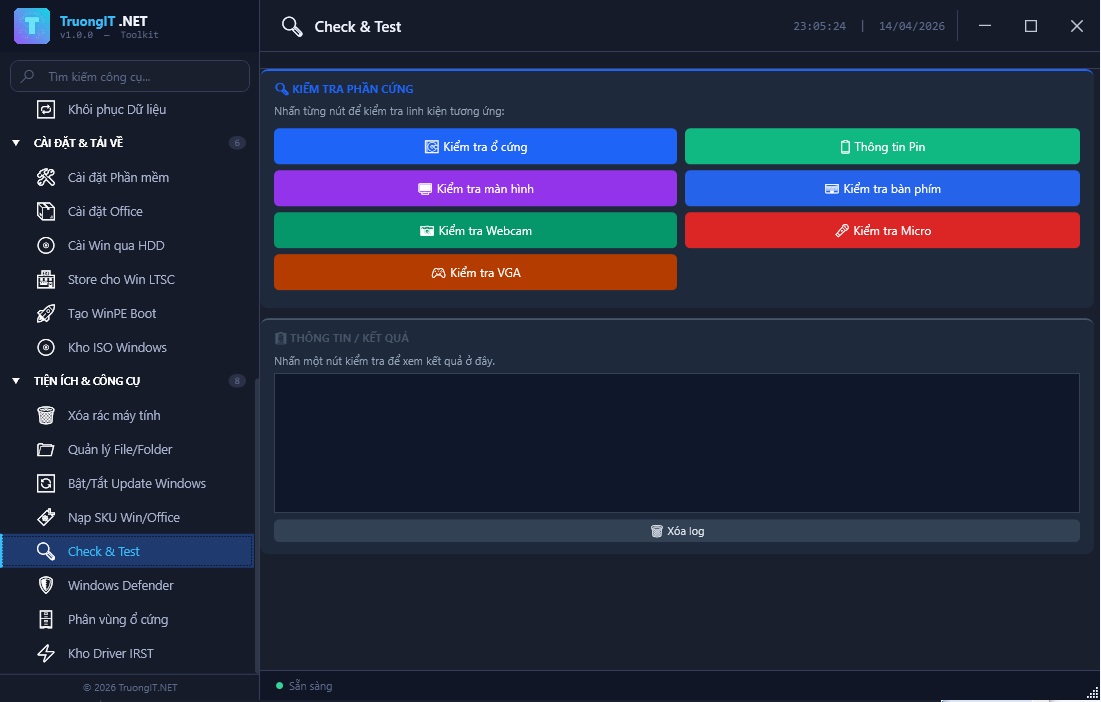
Test keyboard, mic, webcam, monitor, battery, and basic components before handover.
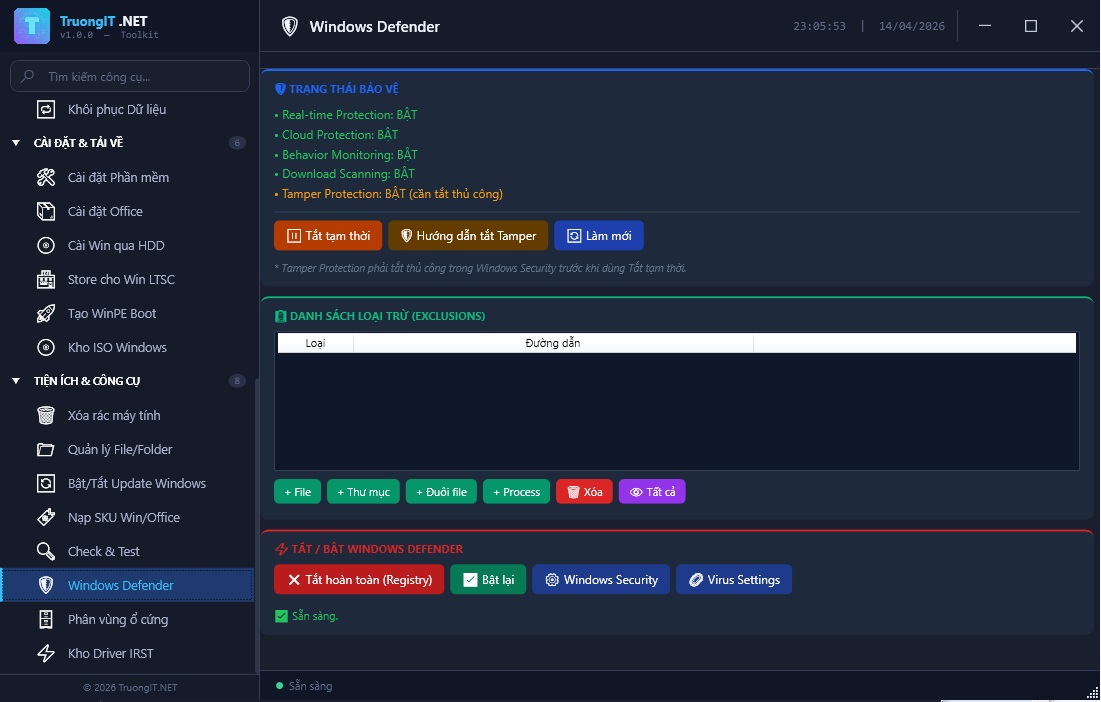
Quickly manage Defender status based on specific installation and maintenance needs.
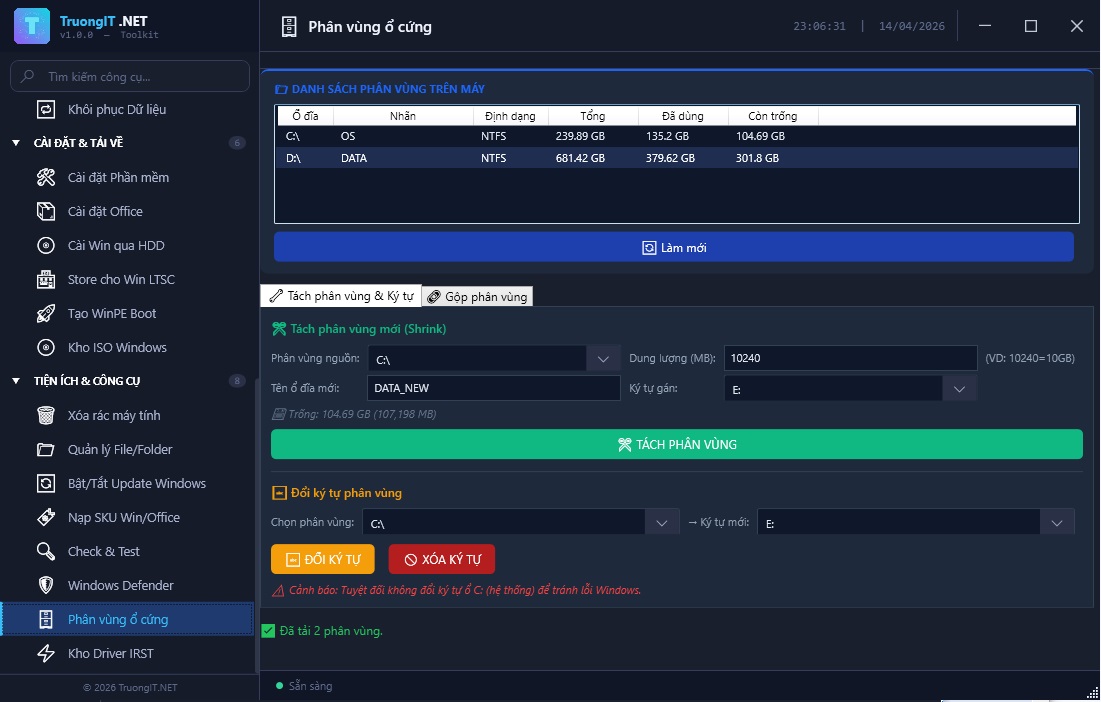
Split, merge, and rename partitions for more logical data organization.
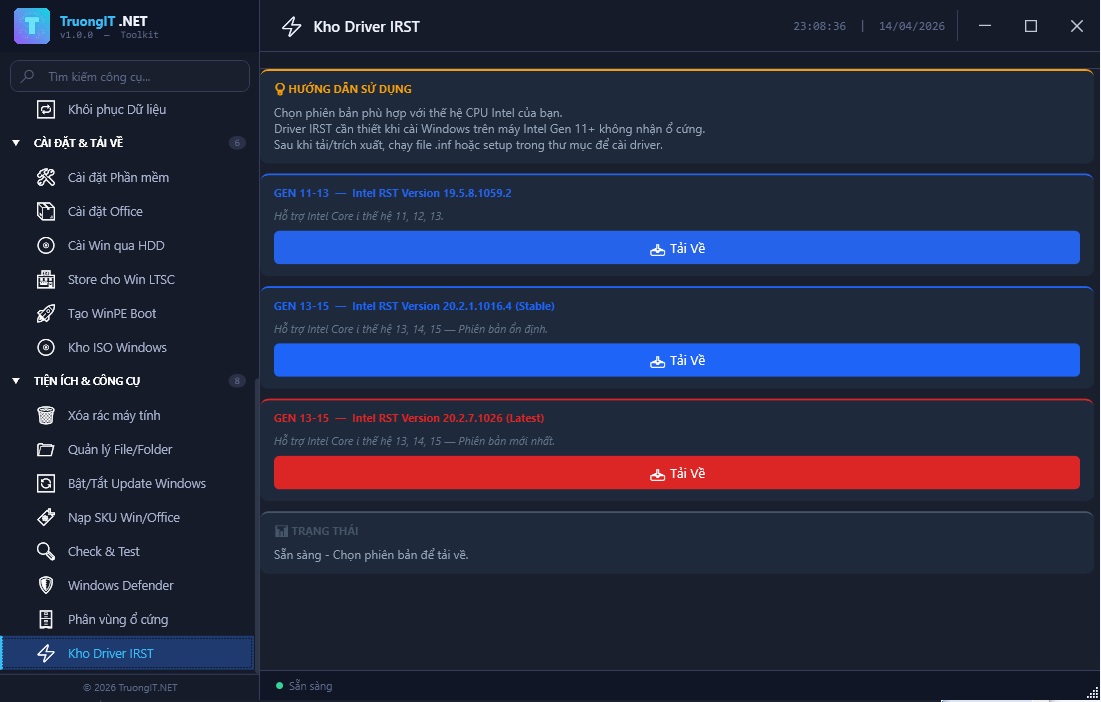
Necessary drivers for Intel Gen 11+ when Windows installation cannot detect NVMe drives.